Press release
Winhanced 1.0 Beta releases October 31st!
Everything you need to Discover, Install, Manage, and Play.
Winhanced 1.0 Beta will be available October 31 as a free download for Windows 11. Winhanced is a gaming mode for Windows: one controller-first home for the games you own on Steam, Xbox, Epic, GOG, PlayStation, Battle.net, EA, Ubisoft and more, with sleep and wake that works like a console, and power, fan, lighting and button control on supported handhelds.
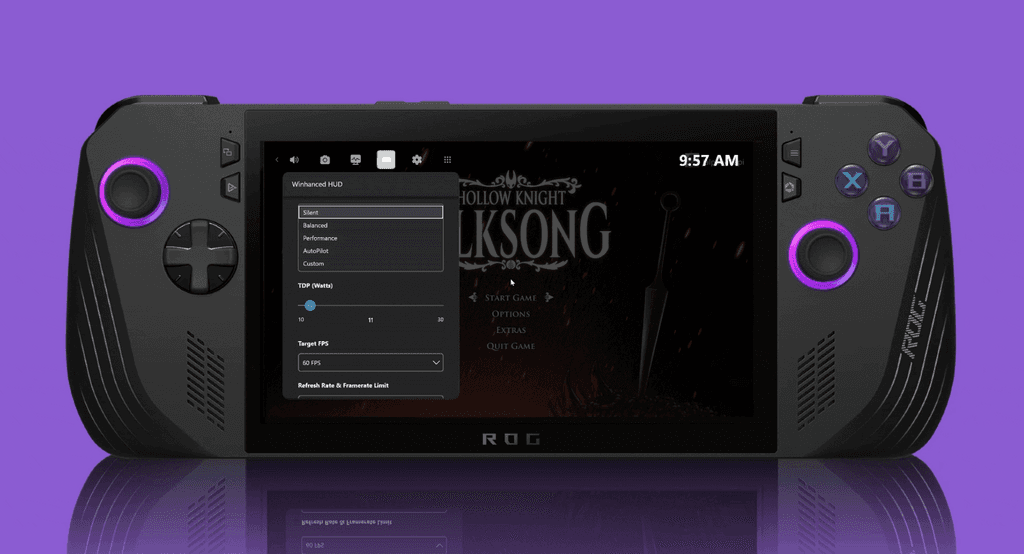
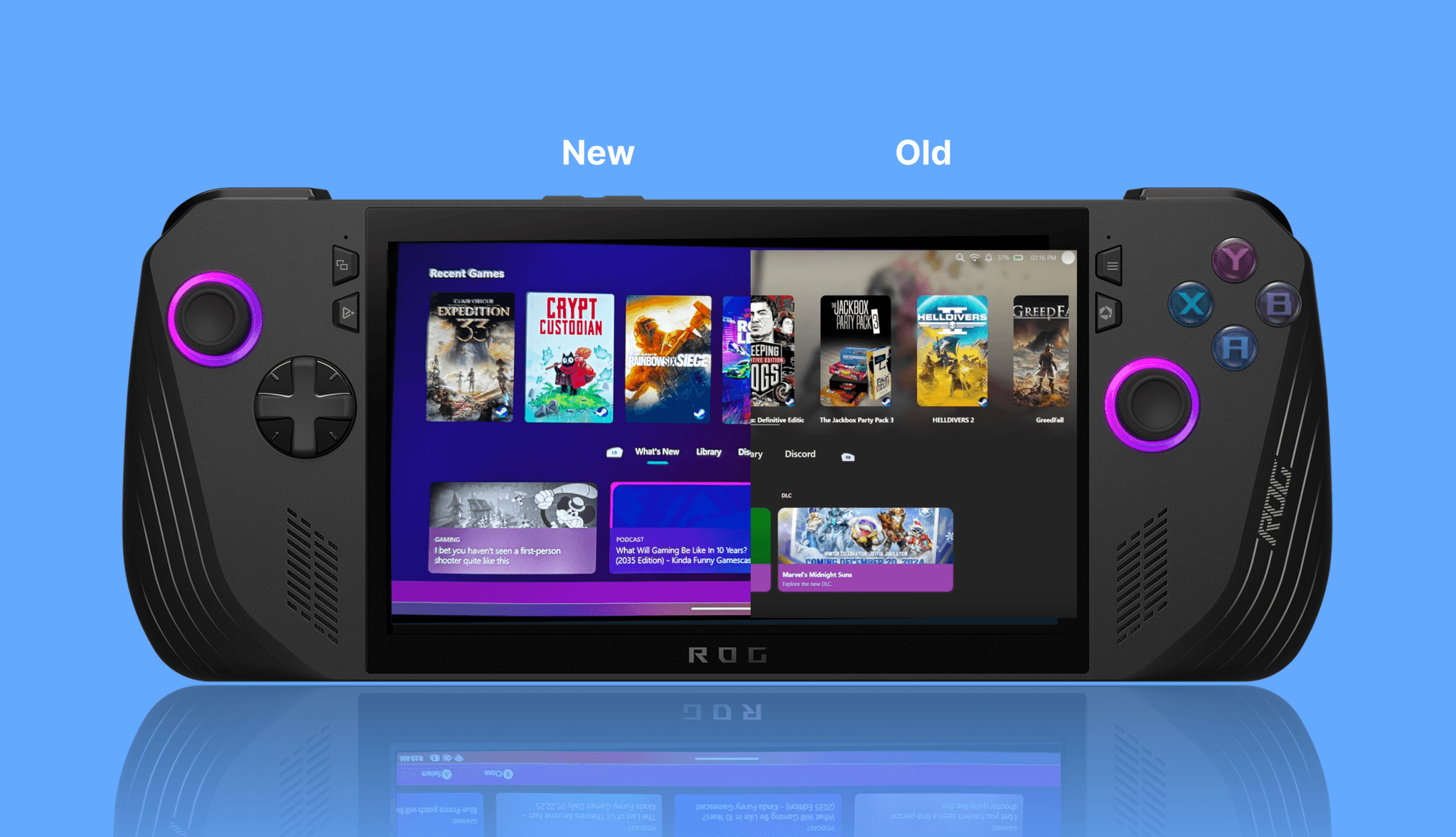
The headline of 1.0 is the Winhanced overlay, which puts music, friends, guides and settings one button away inside any game. The release also brings a redesigned Library settings page with OptiScaler, FSR 4.1 and game compression built in, a new Storage page, Theatre for movies and TV, GeForce NOW in the library and support for more handhelds. The beta runs for 30 days while the team fixes the last bugs.
The Winhanced overlay
Press the Guide button in any game and the overlay opens over it. Everything a player would normally alt-tab for is there: power and performance, the controller, music, friends and Discord, guides, recording, notes, Wi-Fi and Bluetooth. The game keeps running behind it, and B puts the player straight back in.
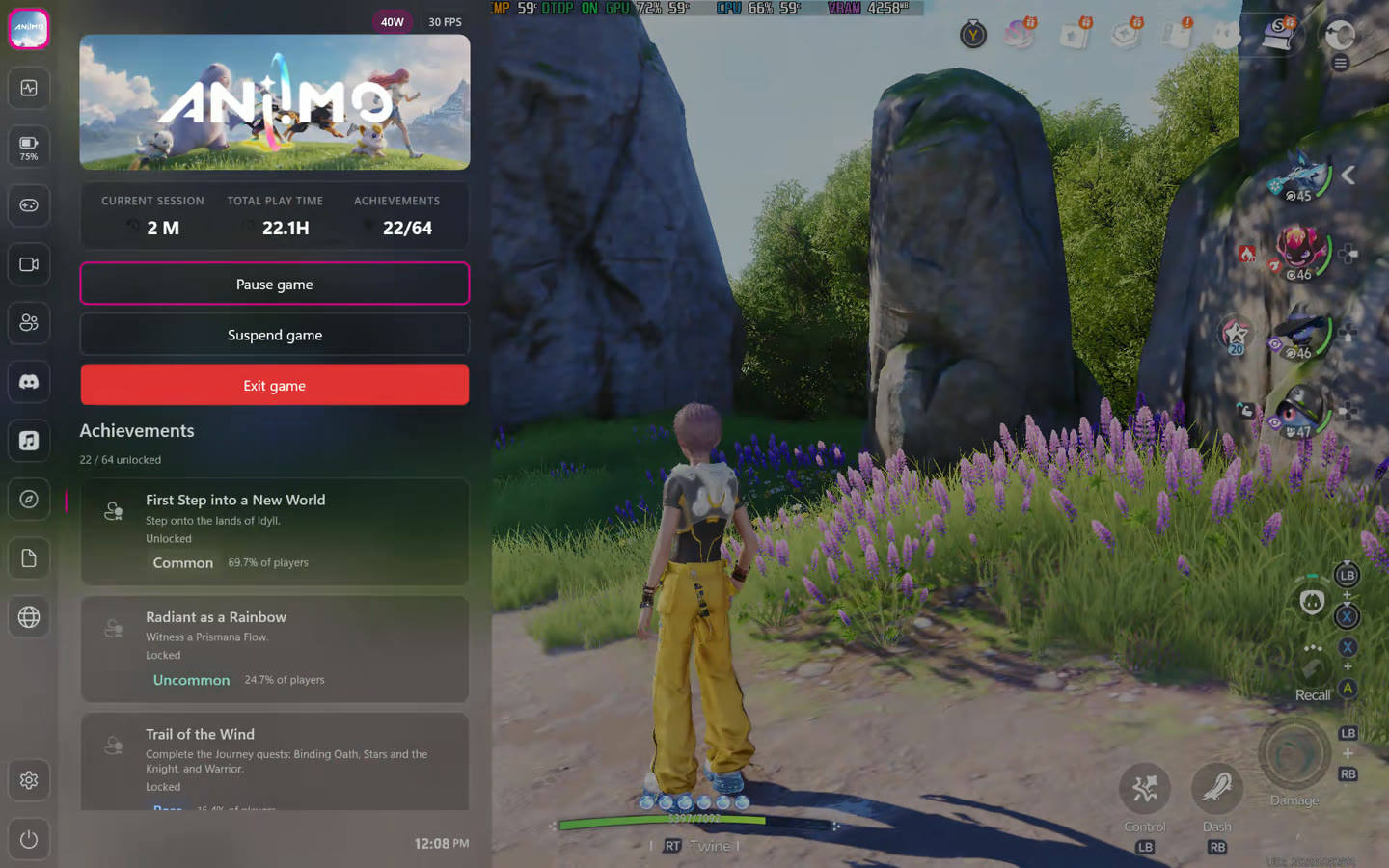
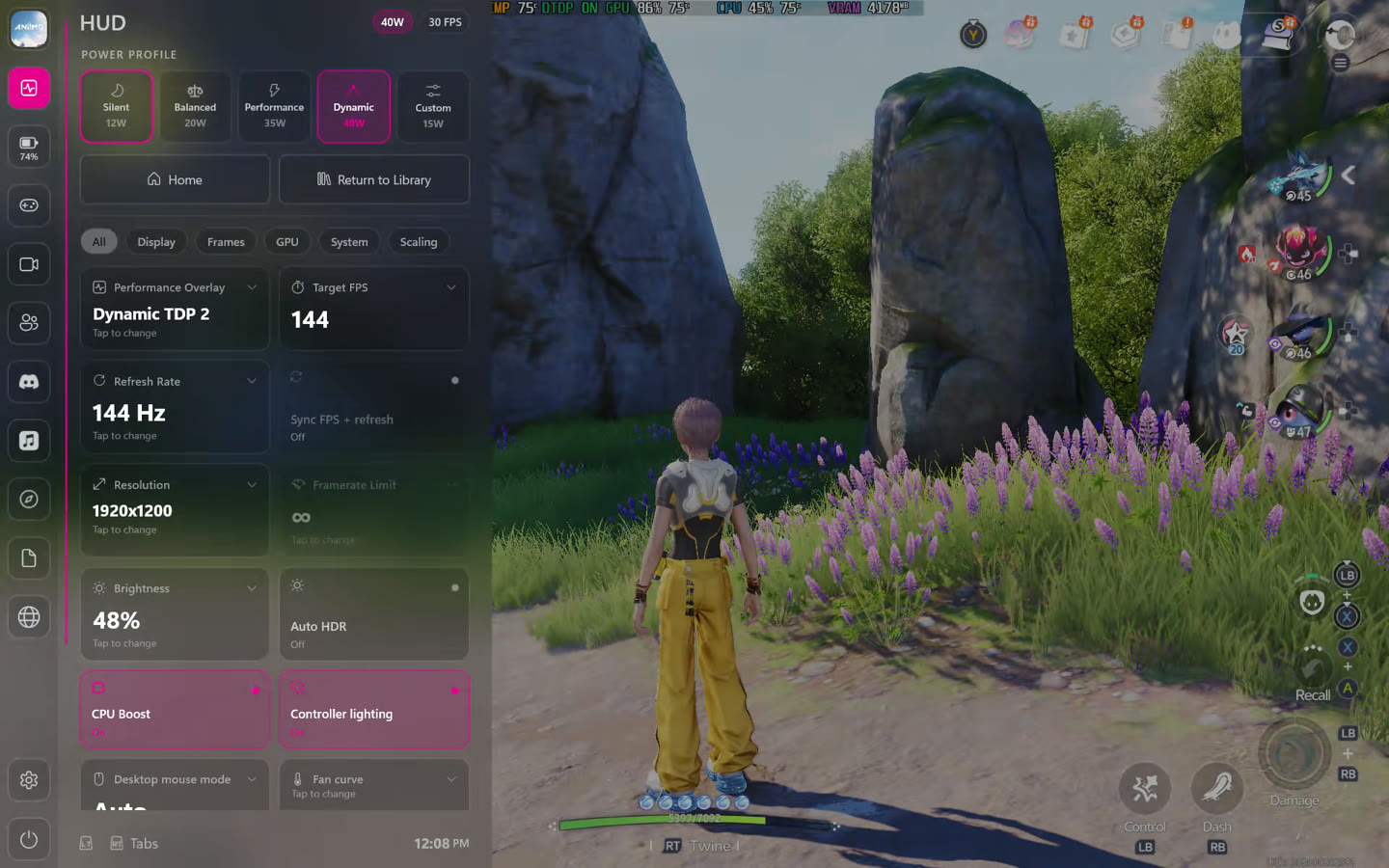
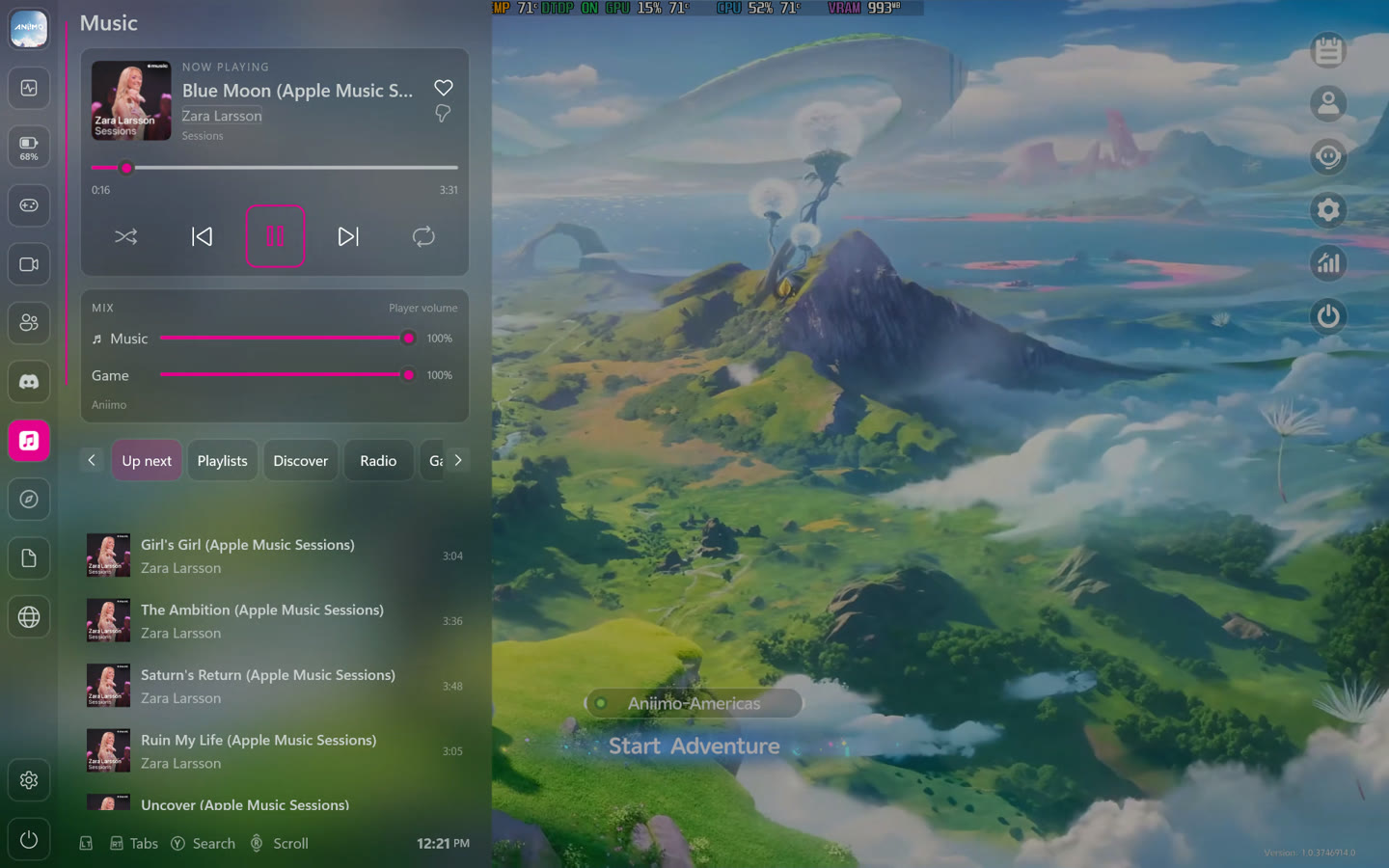
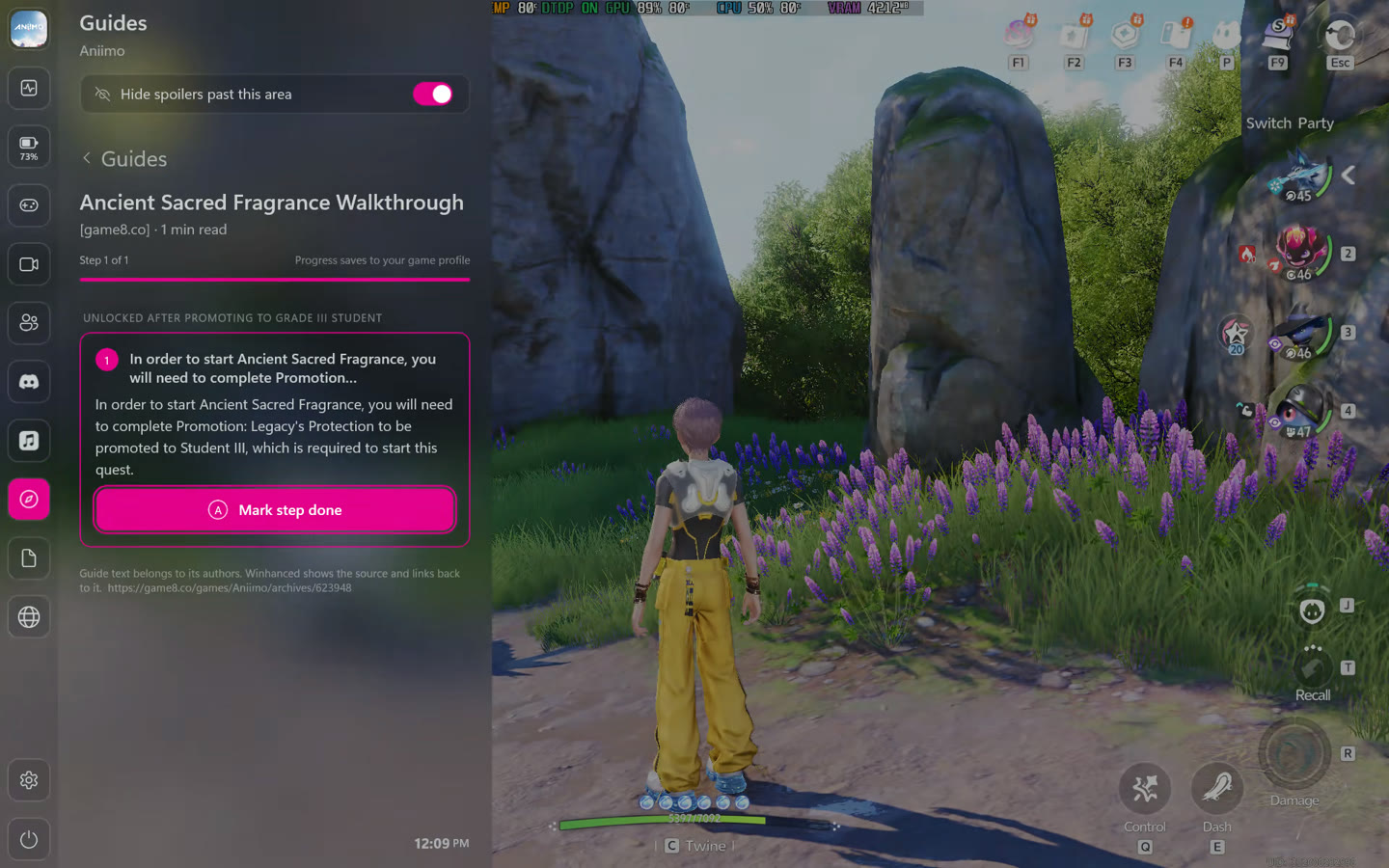
The overlay starts with a few pages, and players add Audio, Network, Recording, Browser, Journal, Friends and Discord when they want them. Achievement pop-ups for Steam, Xbox, Epic, GOG and RetroAchievements games, and messages from Steam, Xbox, PlayStation and Discord friends, appear on screen even while the overlay is closed. The overlay is in Early Access during the beta and opens to everyone when the beta ends.
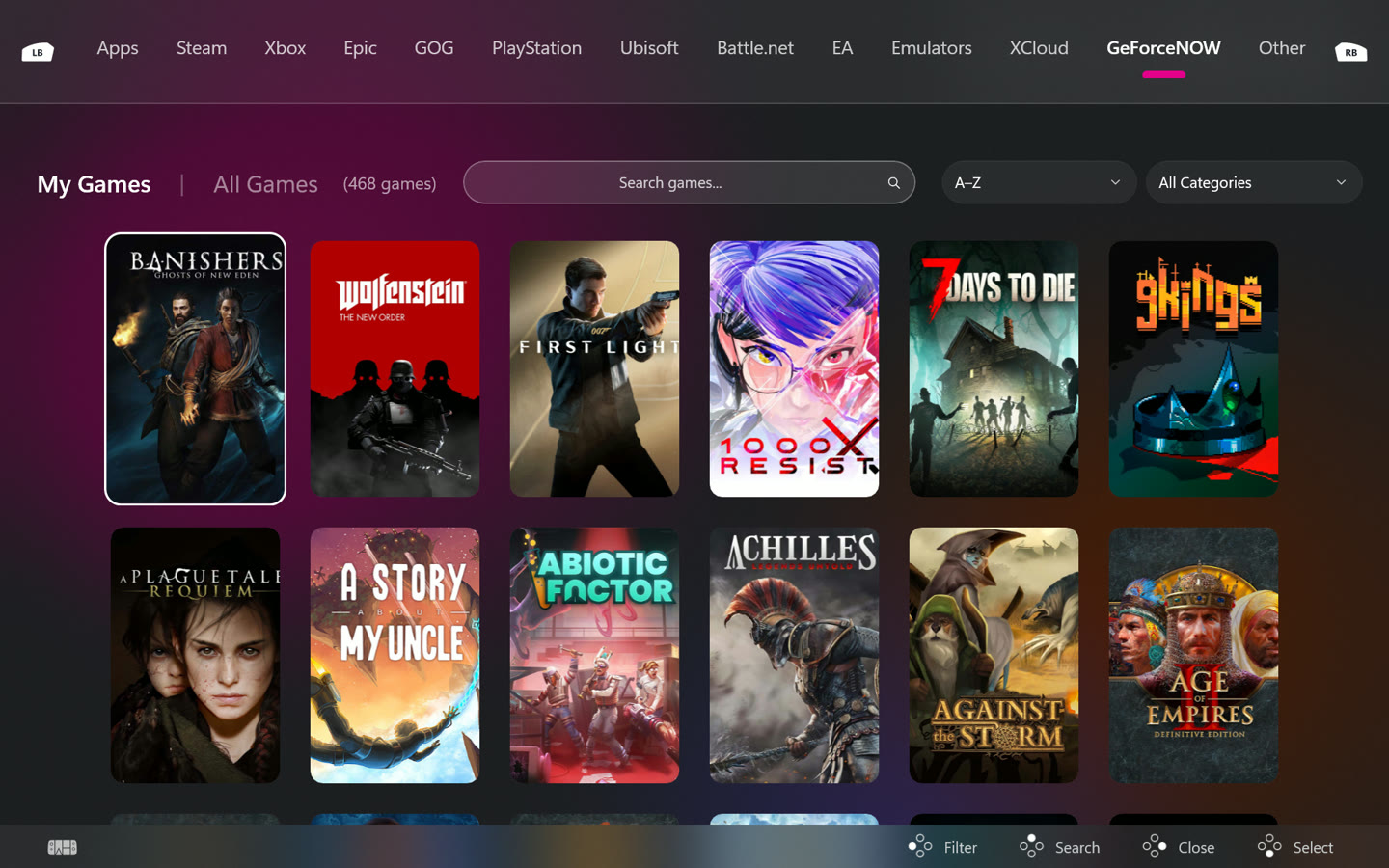
GeForce NOW in the library
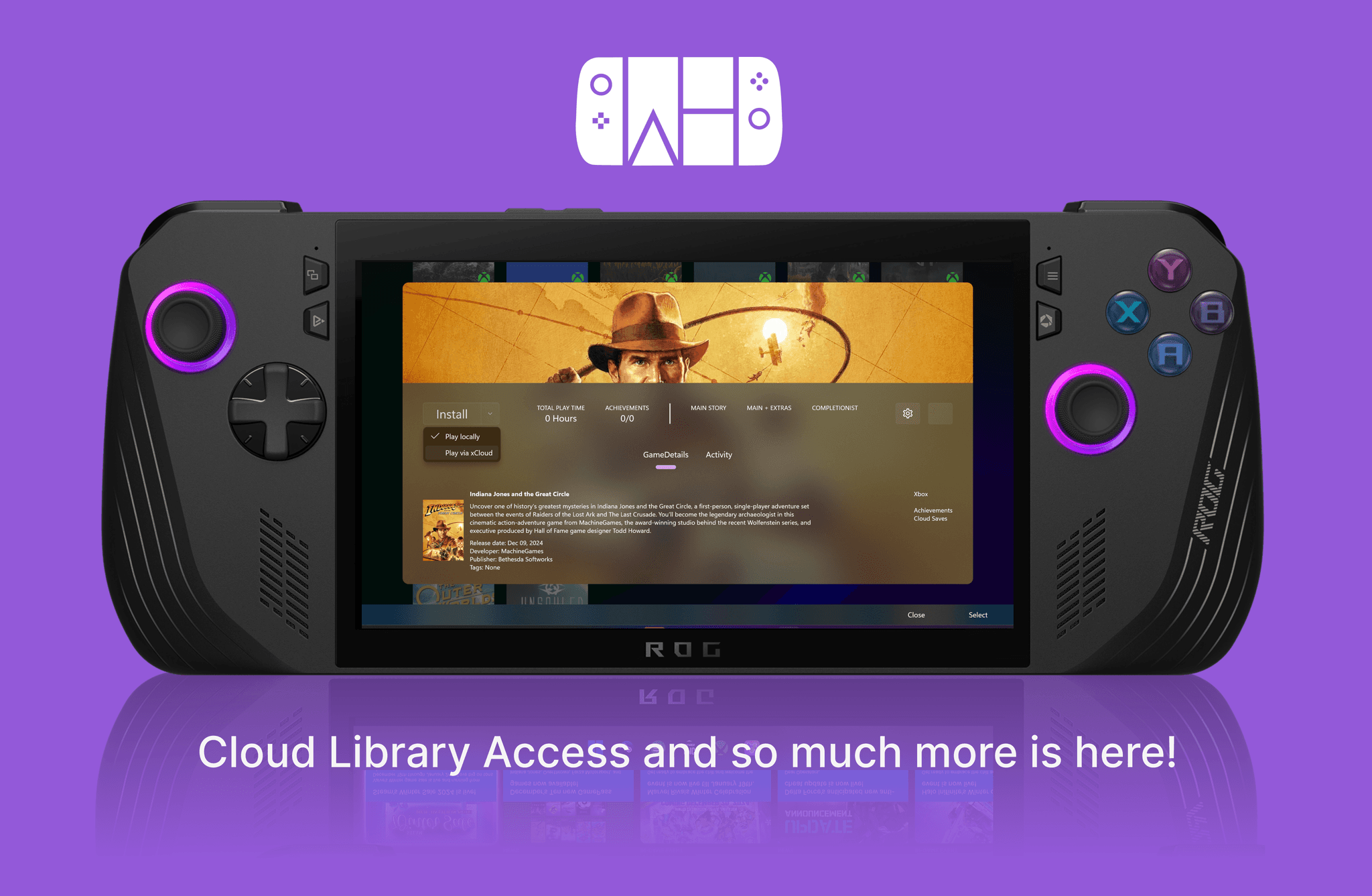
Players sign in to GeForce NOW once, and the games they own that GeForce NOW supports play in the cloud: press Play and the game starts. Battle.net games now install inside Winhanced like every other store, Ubisoft, EA and Battle.net games appear in the library for everyone, and players can make their own collections.
A redesigned Library settings page
Every library's settings page has been rebuilt around one clear layout that explains where that library stands today and what Winhanced will do with its games. The tools that used to live elsewhere, or not exist at all, are now right there with it.
OptiScaler, built in
Turn on OptiScaler and Winhanced adds it to the games known to work with it, so more games can use DLSS, FSR or XeSS, and takes it out again when asked. It never touches games that use anti-cheat.
FSR 4.1 on AMD handhelds
On AMD handhelds, one switch runs FSR 4.1 in place of FSR 3.1, including on Radeon graphics that AMD does not officially support for FSR 4.
Compress games and keep playing them
A game can be compressed so it takes up less space and still plays the same. With Compress new games turned on, every new install from that library is compressed automatically.
Storage
A new Storage page at the top of the Libraries settings shows every drive, how much space is free and which games are on it. Players can move or copy a game to another drive, compress it, open its folder or uninstall it, and empty the Recycle Bin, all with a controller.
Theatre
Netflix, YouTube, Prime Video, Disney+ and other movie and TV apps sit together in Theatre. Pluto TV, Tubi, Plex and YouTube open inside Winhanced and work with a controller.
Additional features
Winhanced keyboard
An on-screen keyboard made for a controller, in Winhanced and in other apps, is now available to everyone.
Controllers
Gyro aiming tilts the handheld to aim while a back button or the left trigger is held. On the ROG Ally family, MSI Claw and OneXPlayer 3, every button can now be changed, not only the back buttons. Guide and Start + Select work on any Windows PC with any Xbox controller.
PC Streaming
A handheld now connects to all of a player's paired PCs at once, and shows each PC's games while it is on.
Cloud saves
Game saves back up to Dropbox, OneDrive or another drive, and Winhanced checks for a newer save before a game starts.
Play without interruptions
Windows updates wait until the player stops playing.
Ten languages
Winhanced is now in English, Spanish (Spain and Mexico), French, German, Korean, Italian, Portuguese (Brazil), Russian and Ukrainian.
Device support
Every feature above works on any Windows 11 PC. On supported handhelds, Winhanced also controls the hardware, with no vendor app to open. 1.0 adds the OneXPlayer X2, X2 Mini, X2 Mini Pro, Apex, Apex i, OneXFly F1 and F1 Pro.
| Feature | ROG Ally family | Legion Go family | MSI Claw family | OneXPlayer family | ROG Flow Z13 | Other PCs and handhelds |
|---|---|---|---|---|---|---|
| Power modes and Dynamic TDP | ● | ● | ● | ● | ● | ● |
| Fan curves | ● | ● | ● | ● | ● | · |
| Battery charge limit | ● | ● | ● | ● | · | · |
| Controller lighting | ● | ● | ● | ● | · | · |
| Remap every button | ● | · | ● | ● | · | · |
| Remap back and extra buttons | ● | ● | ● | ● | · | · |
| Second actions (hold M1 or M2) | ● | · | ● | · | · | · |
| Gyro aiming | ● | Go, Go 2 | ● | 3, X2 Mini, X2 Mini Pro | · | · |
| Rumble strength | ● | ● | ● | ● | · | · |
| Turn the trackpad off | · | ● | · | · | · | · |
| Turn the built-in controller off | ● | · | ● | · | · | · |
| Driver and firmware updates | ● | ● | ● | ● | ● | · |
ROG Ally family: ROG Ally, ROG Ally X, ROG Xbox Ally, ROG Xbox Ally X and ROG Xbox Ally X20. Legion Go family: Legion Go, Legion Go 2 and Legion Go S. MSI Claw family: Claw A1M, A8, 7 AI+, 8 AI+, 8 EX and 8 G3. OneXPlayer family: OneXPlayer 3, X2, X2 Mini, X2 Mini Pro, Apex, Apex i / Air, OneXFly F1 and F1 Pro. Other PCs and handhelds: Steam Deck, GPD Win 4, Win 5 and Win Mini, AYANEO Air Plus, Antec Core HS, other AMD PCs and handhelds, and handhelds with an Intel Arc G3 processor such as the Acer Predator Atlas 8, using the chip's default power limits.
Winhanced 1.0 was tested on a 2024 ROG Ally X, ROG Xbox Ally X, ROG Xbox Ally X20, Legion Go, Legion Go 2, OneXPlayer 3, OneXPlayer X2 Mini Pro, MSI Claw 8 AI+ and MSI Claw 8 EX.
Availability
Winhanced 1.0 Beta will be available October 31 as a free download from winhanced.com/support, with one installer for everyone. Early Access, which includes the overlay during the beta, is a switch inside the app for Patreon supporters and Discord Supporter+ members. Players who use PC Streaming should update the Winhanced Streaming Companion on their PC to 1.2.4.0.
The full 1.0 Beta patch notes list every change and fix.
About Winhanced
Winhanced is a gaming mode for Windows 11. It brings every game a player owns into one controller-first home, keeps that library up to date by itself, and on supported handhelds handles power, fans, lighting, buttons and driver updates. Winhanced is made by a small independent team and is free to use.
Press contacts
Press can reach the team through the Contact page.